

Maya Plugins · glTF & Gaussian Splats
Maya plugins built for glTF and Gaussian splat pipelines
Small, dependable Maya plugins built to solve one job well: glTF import and export, plus Gaussian splat import, lookdev, rendering, and export, with more pipeline tools on the way.
Maya Plugins
Focused Maya plugins and glTF tools, each built to do one job well and fit cleanly into your existing pipeline.
 NewNew
Gaussian Splats Importer and Exporter for Maya
v1.1.0Import, view, render, and export Gaussian splat captures in Maya for lookdev, layout, and web-ready delivery.
Maya Plugin Documentation for Every Tool
Installation steps, supported options, and troubleshooting tips for each Maya plugin - including glTF import/export and Gaussian splat import, rendering, and export - are covered in the documentation.
Open Documentation ↗FAQ
Common questions about Maya plugins for glTF and Gaussian splats, supported formats, documentation, and purchases.
What Maya plugins does PolyPulse3D offer?+
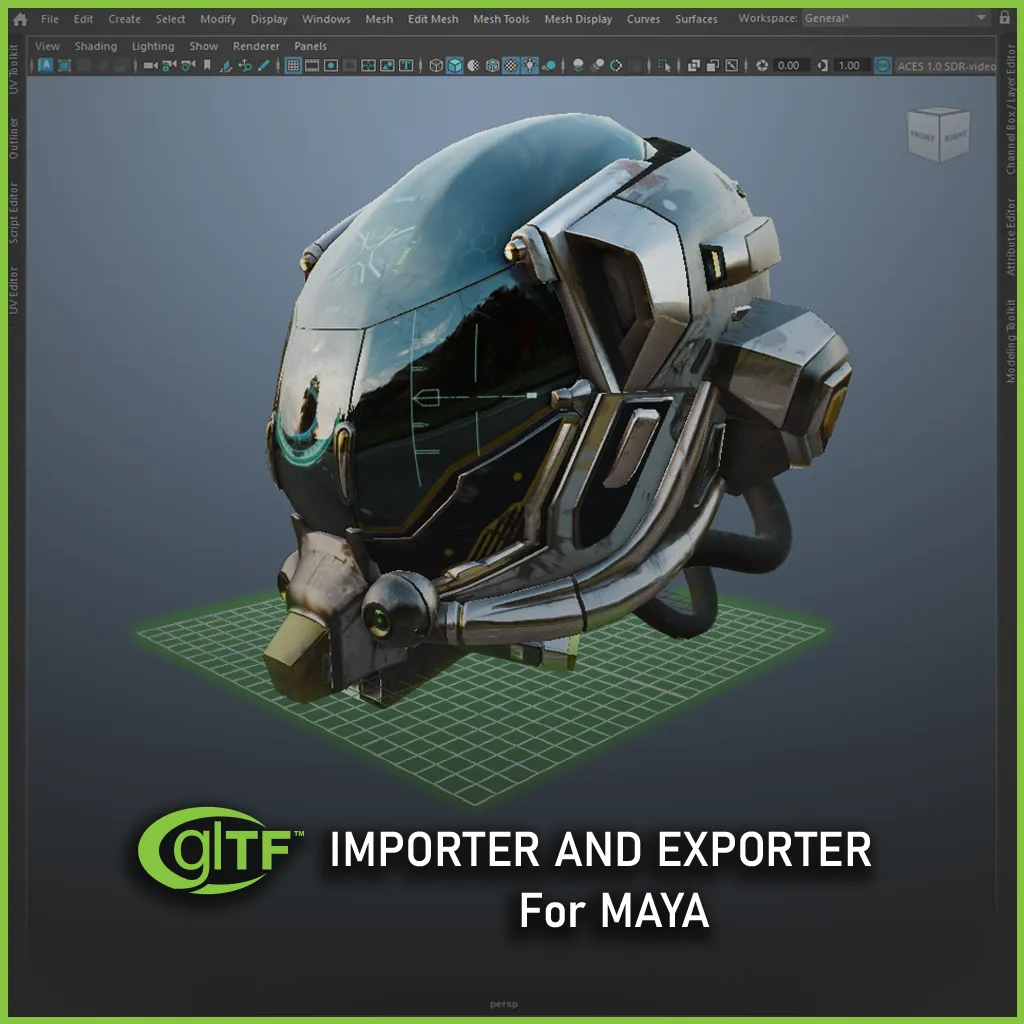
PolyPulse3D builds Maya plugins for 3D pipelines. The current tools are the glTF Importer and Exporter for Maya and the Gaussian Splats Importer and Exporter for Maya. More Maya plugins are in development and will be listed here as they ship.
What is the Gaussian Splats Importer and Exporter for Maya?+
It is a Maya plugin for 3D Gaussian splatting workflows. You can import Gaussian splat captures into Autodesk Maya, preview them in Viewport 2.0, place them for lookdev and layout, render with Arnold or V-Ray, and export to common splat formats for web viewers and other tools. Full setup and usage steps are in the Gaussian Splats documentation.
Which Gaussian splat file formats does the Maya plugin support?+
The Gaussian Splats Importer and Exporter for Maya imports and exports PLY, compressed PLY, SOG, SPLAT, KSPLAT, NPZ, and SPZ. That covers SuperSplat and PlayCanvas packages, antimatter15-style .splat files, Three.js / GaussianSplats3D .ksplat files, NumPy .npz archives, and Niantic / Adobe .spz files. Format details are listed in the supported formats guide.
Can I import Gaussian splat PLY files into Maya?+
Yes. With the Gaussian Splats plugin loaded, use File > Import, choose Gaussian Splats Import, and open a .ply or .compressed.ply capture. The same importer also opens .sog, .splat, .ksplat, .npz, and .spz files. Coordinates are kept as written in the file. Step-by-step import help is in the importing guide.
Can I export Gaussian splats from Maya for SuperSplat or web viewers?+
Yes. Use File > Export All or Export Selection with Gaussian Splats Export. Choose PLY or compressed PLY, SOG for SuperSplat and PlayCanvas, SPLAT for lightweight web preview, KSPLAT for Three.js / GaussianSplats3D viewers, NPZ for research pipelines, or SPZ for compact Niantic / Adobe delivery. Export options are covered in the exporting guide.
Do the glTF and Gaussian Splats Maya plugins work together?+
Yes. When both plugins are loaded, the glTF Importer and Exporter for Maya can round-trip KHR_gaussian_splatting content through GaussianSplatLocator nodes created by the Gaussian Splats plugin. Mesh and material glTF workflows still work without the splat plugin. See the glTF workflow guide for the combined setup.
Which versions of Maya are supported?+
Support depends on the plugin. The Gaussian Splats Importer and Exporter for Maya supports Maya 2022-2027 on Windows. The glTF Importer and Exporter for Maya supports Maya 2022-2027 on Windows, Linux, and macOS, with full KTX2 on macOS verified for Maya 2026. Always check the matching documentation before installing.
Can I render Gaussian splats in Maya with Arnold or V-Ray?+
Yes. Arnold path-traced beauty is available when Arnold for Maya is installed. V-Ray rendering is supported on Maya 2025-2027, with CPU always and GPU on V-Ray 7 Update 2 or later. Setup and look controls are in the Gaussian Splats rendering docs.
When will the Maya plugins be available to buy?+
The glTF Importer and Exporter for Maya is available now from the tools section. The Gaussian Splats Importer and Exporter for Maya is still coming soon - documentation is already online while packaging finishes. Reach out through the contact page if you want to be notified when Gaussian Splats goes live.
How do I install a Maya plugin after purchase?+
Your Gumroad order includes a download link. For the glTF Importer and Exporter for Maya, unzip the package and drag INSTALL.py onto the Maya viewport. Full installation steps are in each plugin's documentation, including the Gaussian Splats installation guide and the glTF plugin installation docs.
Where do purchases and downloads happen?+
Checkout and file delivery are handled by Gumroad, a third-party platform for selling digital products. You'll find each available tool's purchase link in the tools section, and you'll receive your download link by email after purchase.
Can I use a tool on more than one computer?+
That depends on the license you purchase. Check the product page for pricing tiers and the EULA for details on seats and usage terms.
Do you offer refunds?+
Refund requests are handled case by case, as outlined in our Terms & Conditions. Reach out through the contact page with your order details and we will help sort it out.
What kind of support is available?+
Start with the documentation for the tool you're using. The docs hub links to guides for the glTF Importer and Exporter for Maya and the Gaussian Splats Importer and Exporter for Maya, including setup, formats, viewport controls, and troubleshooting. If you're still stuck, reach out through our contact page.
Can I request a feature or a new tool?+
Yes, feedback shapes the roadmap. Send suggestions through the contact page any time.
Where can I see what's changed in an update?+
Release notes for each tool are listed on that tool's documentation page. For Gaussian Splats, see the Gaussian Splats changelog. For glTF, open the glTF documentation and check its release notes there.